Global Warehouse Connector parameters
Overview of the global parameters for configuring Warehouse Connector in Dynamics 365 F&O.
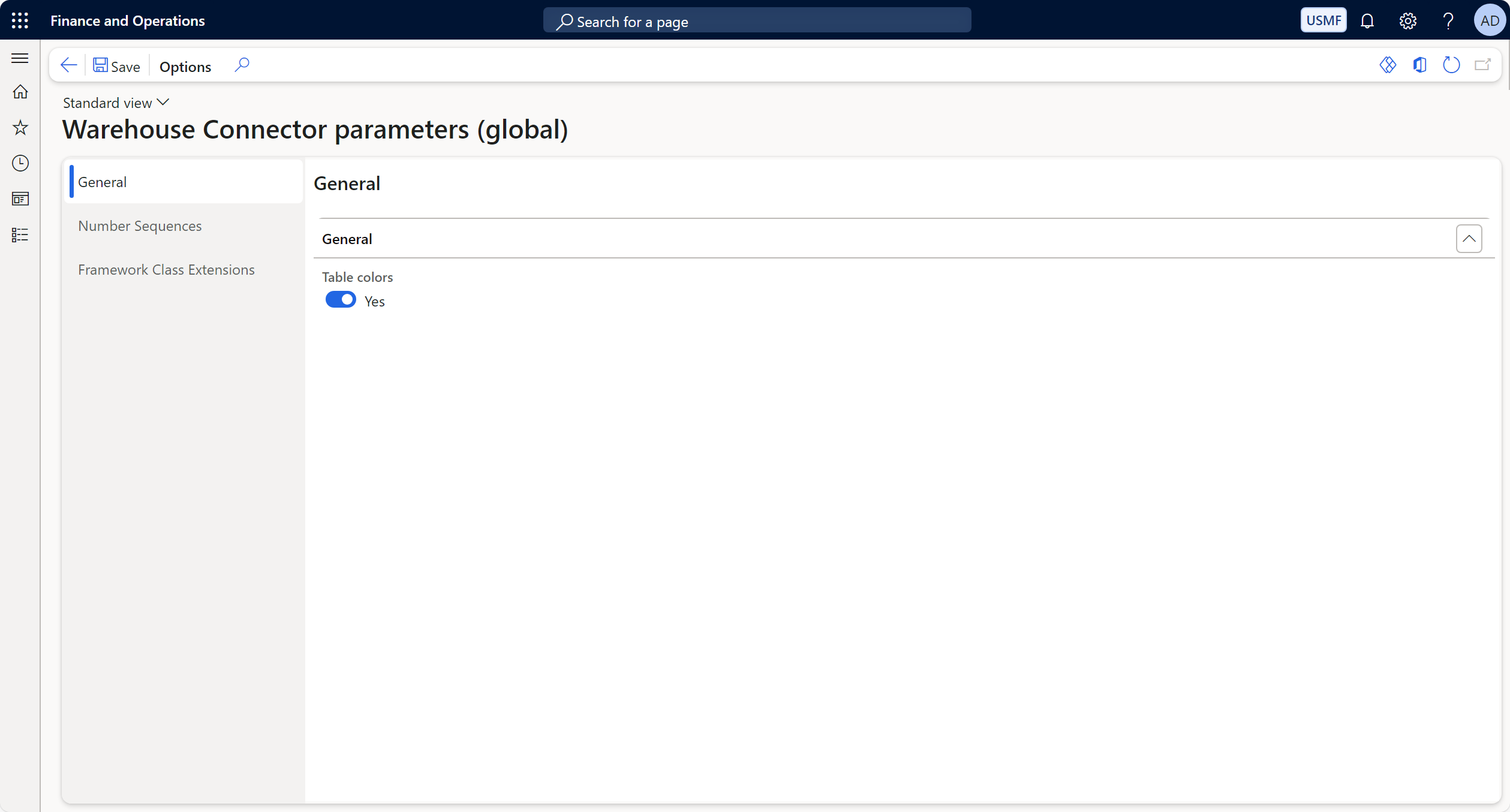
General Section
| Field Name | Description |
|---|---|
| Table Colors | A toggle option to enable or disable table colors. If set to Yes, table colors are activated to improve visibility and organization. |
Number Sequences Section
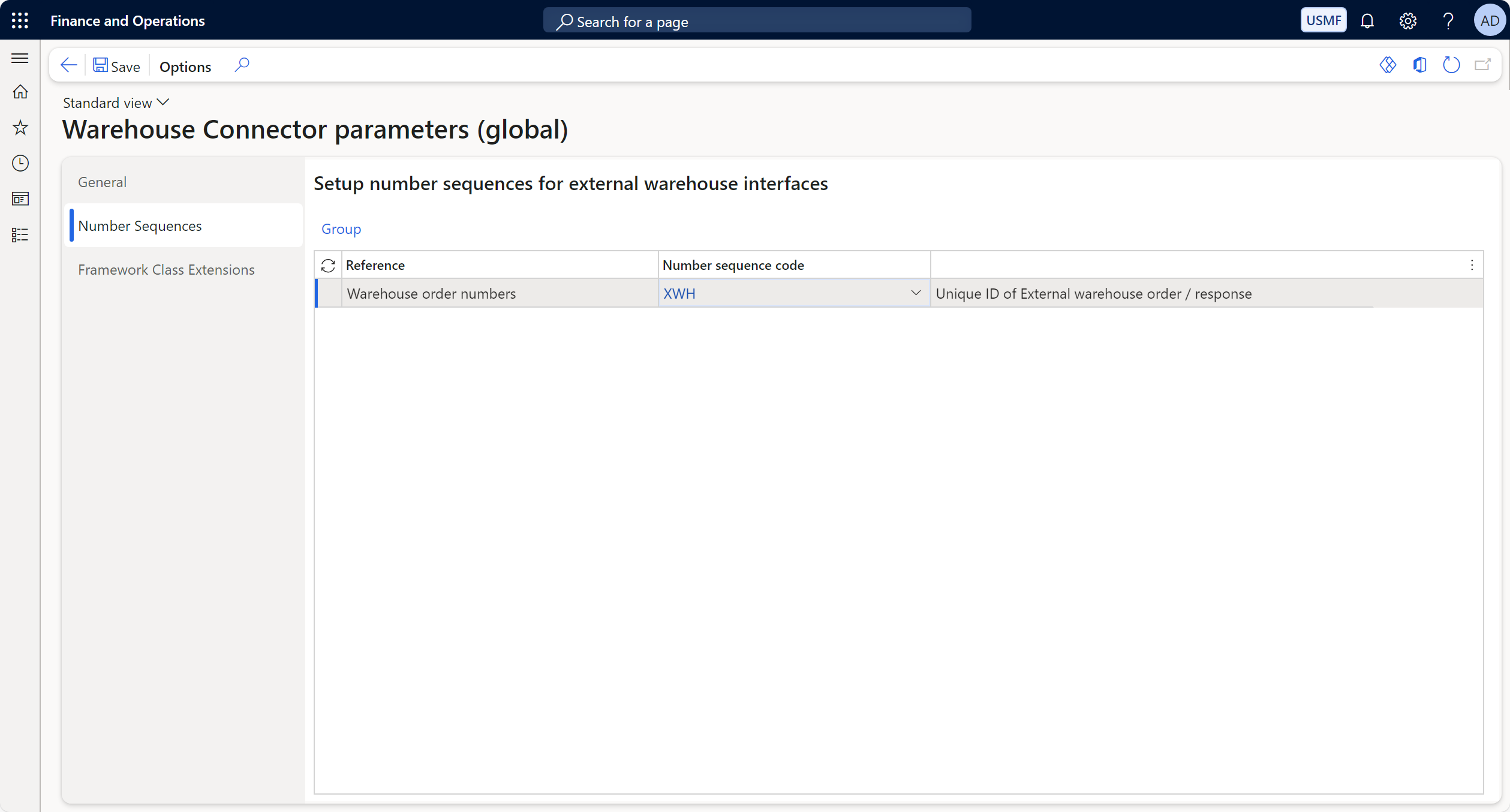
Number sequences are used to generate unique identifiers for external warehouse processes.
| Field Name | Description |
|---|---|
| Reference | Describes the purpose of the number sequence. Example: Warehouse order numbers. |
| Number Sequence Code | The code that the number sequence. Example: XWH. |
| Description | Indicates this is the unique ID for external warehouse orders or responses. |
Framework Class Extensions Section
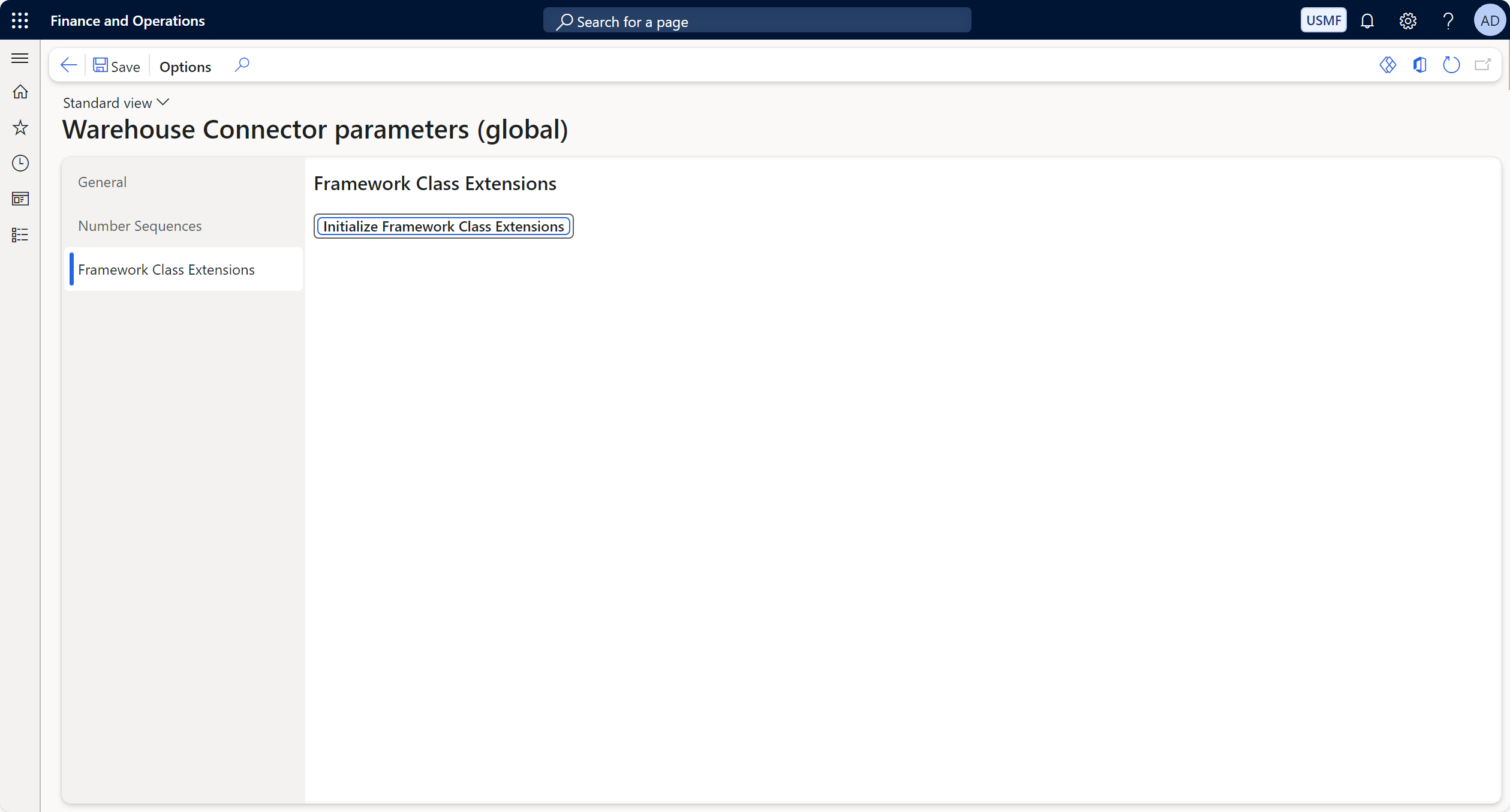
Framework Class Extensions allow custom initialization for extended logic.
| Field Name | Description |
|---|---|
| Initialize Framework Class Extensions | A button to initialize and activate the framework class extensions. This process ensures that any extended functionality is loaded and ready for use. |
Actions:
- Initialize Framework Class Extensions: Click this button to apply and activate custom framework extensions.
User Interface Actions
- Save: Save changes made to the Warehouse Connector Parameters.
- Options: Access additional actions or settings for this configuration.
D365 Menu Item
Warehouse Connector -> Setup -> Global -> Warehouse Connector parameters (global)